> For the complete documentation index, see [llms.txt](https://docs.incogniton.com/llms.txt). Markdown versions of documentation pages are available by appending `.md` to page URLs; this page is available as [Markdown](https://docs.incogniton.com/documentation/chinese-documentation/ji-chu/interactive-blocks.md).
# 交互式块
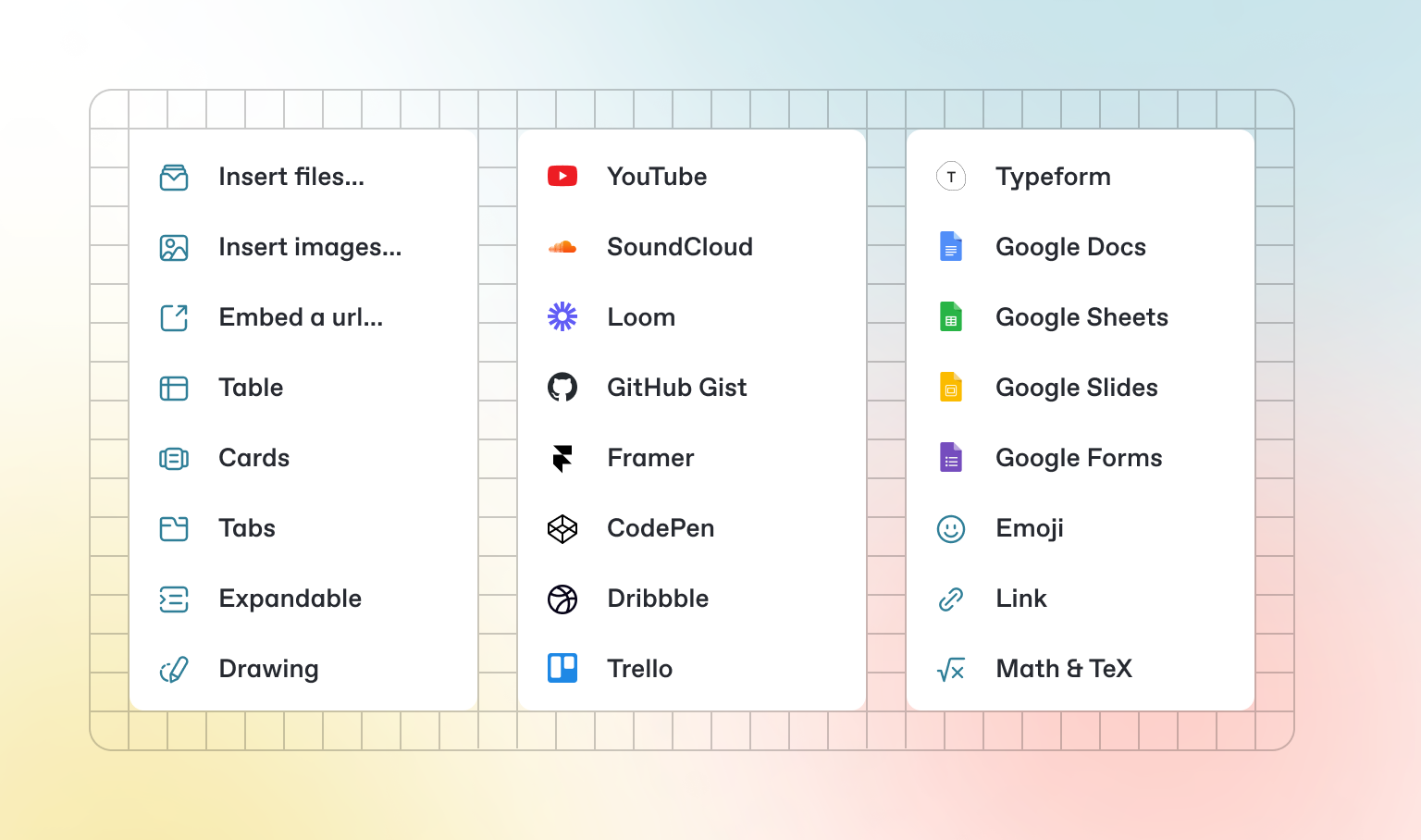
除了默认的Markdown,你还可以使用GitBook提供的多种现成的互动块。在编辑器中按`/`可以找到互动块。
 ### 标签页
{% tabs %}
{% tab title="第一个标签页" %}
每个标签页就像一个迷你页面——它可以包含多种类型的其他块。因此,你可以在同一个标签块中的各个标签页中添加代码块、图片、集成块等。
{% endtab %}
{% tab title="第二个标签页" %}
添加图片、嵌入内容、代码块等。
```javascript
const handleFetchEvent = async (request, context) => {
return new Response({message: "Hello World"});
};
```
{% endtab %}
{% endtabs %}
### 可展开部分
### 标签页
{% tabs %}
{% tab title="第一个标签页" %}
每个标签页就像一个迷你页面——它可以包含多种类型的其他块。因此,你可以在同一个标签块中的各个标签页中添加代码块、图片、集成块等。
{% endtab %}
{% tab title="第二个标签页" %}
添加图片、嵌入内容、代码块等。
```javascript
const handleFetchEvent = async (request, context) => {
return new Response({message: "Hello World"});
};
```
{% endtab %}
{% endtabs %}
### 可展开部分
点击我展开
可展开块有助于压缩可能会很长的段落。它们在分步指南和常见问题解答中也很有用。
### 嵌入内容
{% embed url="" %}
{% hint style="info" %}
GitBook支持数千个网站的嵌入,只需粘贴它们的链接即可。请随时查看哪些[网站是原生支持的](https://iframely.com)。
{% endhint %}