> For the complete documentation index, see [llms.txt](https://docs.incogniton.com/llms.txt). Markdown versions of documentation pages are available by appending `.md` to page URLs; this page is available as [Markdown](https://docs.incogniton.com/documentation/dutch-documentation/basisprincipes/interactive-blocks.md).
# Interactieve blokken
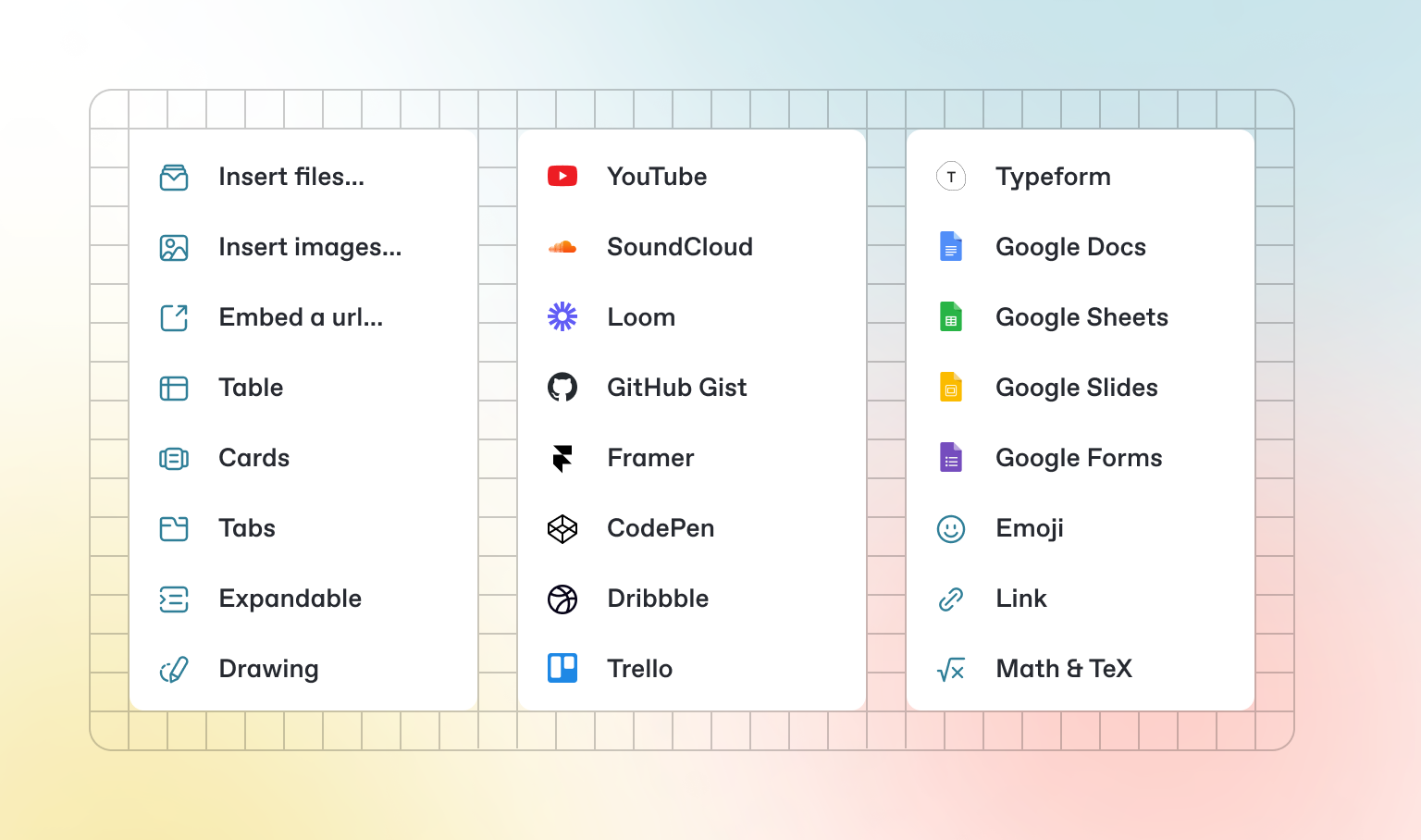
Naast de standaard Markdown die je kunt schrijven, heeft GitBook een aantal kant-en-klare interactieve blokken die je kunt gebruiken. Je kunt interactieve blokken vinden door `/` in de editor te drukken.
### Tabs
{% tabs %}
{% tab title="Eerste tab" %}
Elke tab is als een mini-pagina — het kan meerdere andere blokken bevatten, van elk type. Dus je kunt codeblokken, afbeeldingen, integratieblokken en meer toevoegen aan individuele tabs in hetzelfde tabblok.
{% endtab %}
{% tab title="Tweede tab" %}
Voeg afbeeldingen, ingesloten inhoud, codeblokken en meer toe.
```javascript
const handleFetchEvent = async (request, context) => {
return new Response({message: "Hello World"});
};
```
{% endtab %}
{% endtabs %}
### Uitklapbare secties
Klik om uit te klappen
Uitklapbare blokken zijn handig om samen te vatten wat anders een lange paragraaf zou kunnen zijn. Ze zijn ook geweldig in stapsgewijze handleidingen en FAQ's.
### Ingesloten inhoud
{% embed url="" %}
{% hint style="info" %}
GitBook ondersteunt duizenden ingesloten websites kant-en-klaar, simpelweg door hun links te plakken. Voel je vrij om te bekijken welke[ native worden ondersteund](https://iframely.com).
{% endhint %}