> For the complete documentation index, see [llms.txt](https://docs.incogniton.com/llms.txt). Markdown versions of documentation pages are available by appending `.md` to page URLs; this page is available as [Markdown](https://docs.incogniton.com/documentation/italian-documentation/nozioni-di-base/interactive-blocks.md).
# Blocchi interattivi
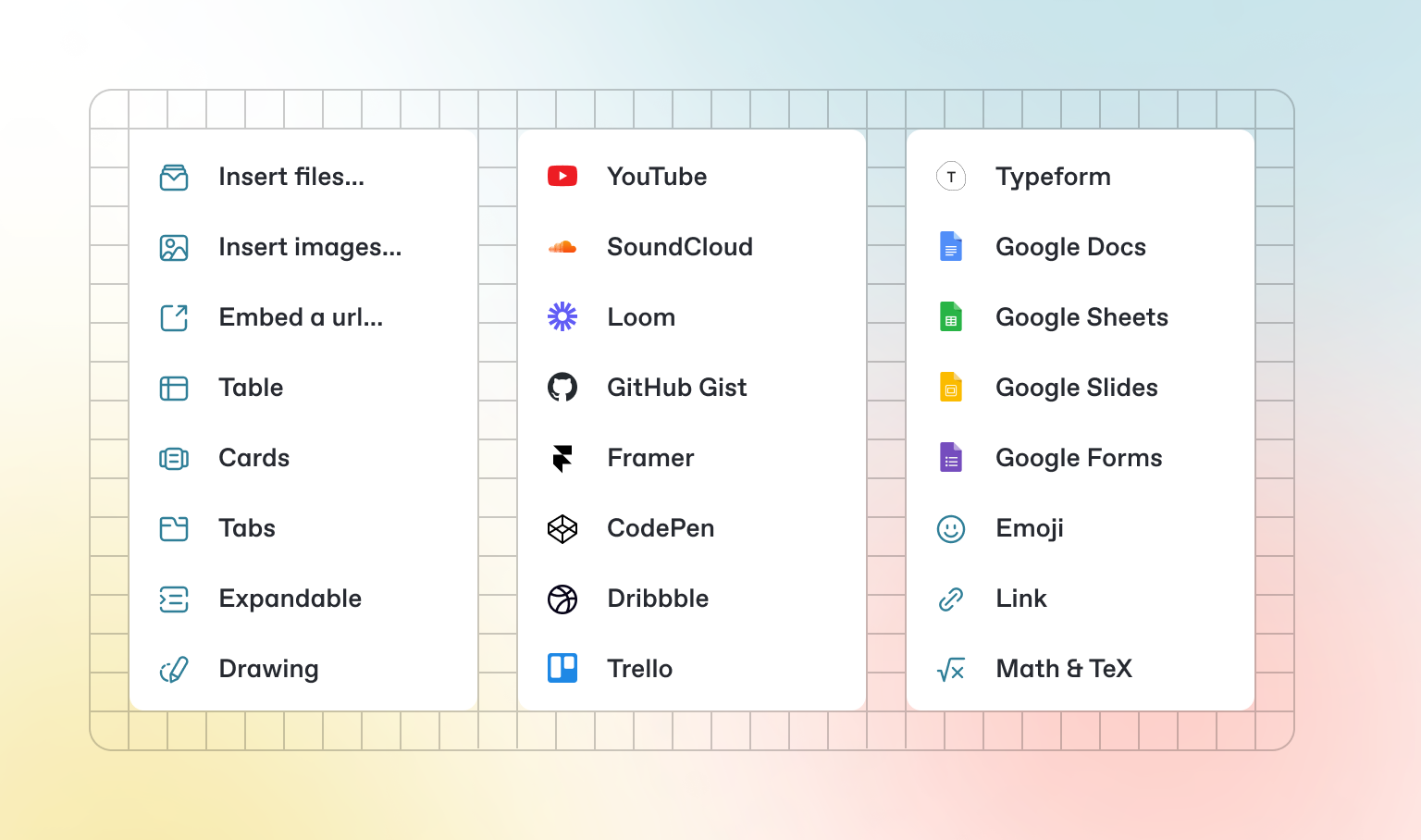
Oltre al Markdown predefinito che puoi scrivere, GitBook offre una serie di blocchi interattivi pronti all'uso. Puoi trovare i blocchi interattivi premendo `/` all'interno dell'editor.
### Schede
{% tabs %}
{% tab title="Prima scheda" %}
Ogni scheda è come una mini pagina — può contenere molti altri blocchi, di qualsiasi tipo. Quindi puoi aggiungere blocchi di codice, immagini, blocchi di integrazione e altro ancora a singole schede nello stesso blocco di schede.
{% endtab %}
{% tab title="Seconda scheda" %}
Aggiungi immagini, contenuti incorporati, blocchi di codice e altro.
```javascript
const handleFetchEvent = async (request, context) => {
return new Response({message: "Hello World"});
};
```
{% endtab %}
{% endtabs %}
### Sezioni espandibili
Clicca per espandere
I blocchi espandibili sono utili per condensare ciò che altrimenti potrebbe essere un paragrafo lungo. Sono anche ottimi nelle guide passo-passo e nelle FAQ.
### Contenuti incorporati
{% embed url="" %}
{% hint style="info" %}
GitBook supporta migliaia di siti web incorporati pronti all'uso, semplicemente incollando i loro link. Sentiti libero di controllare quali[ sono supportati nativamente](https://iframely.com).
{% endhint %}