> For the complete documentation index, see [llms.txt](https://docs.incogniton.com/llms.txt). Markdown versions of documentation pages are available by appending `.md` to page URLs; this page is available as [Markdown](https://docs.incogniton.com/documentation/pt-br-documentation/nocoes-basicas/interactive-blocks.md).
# Blocos interativos
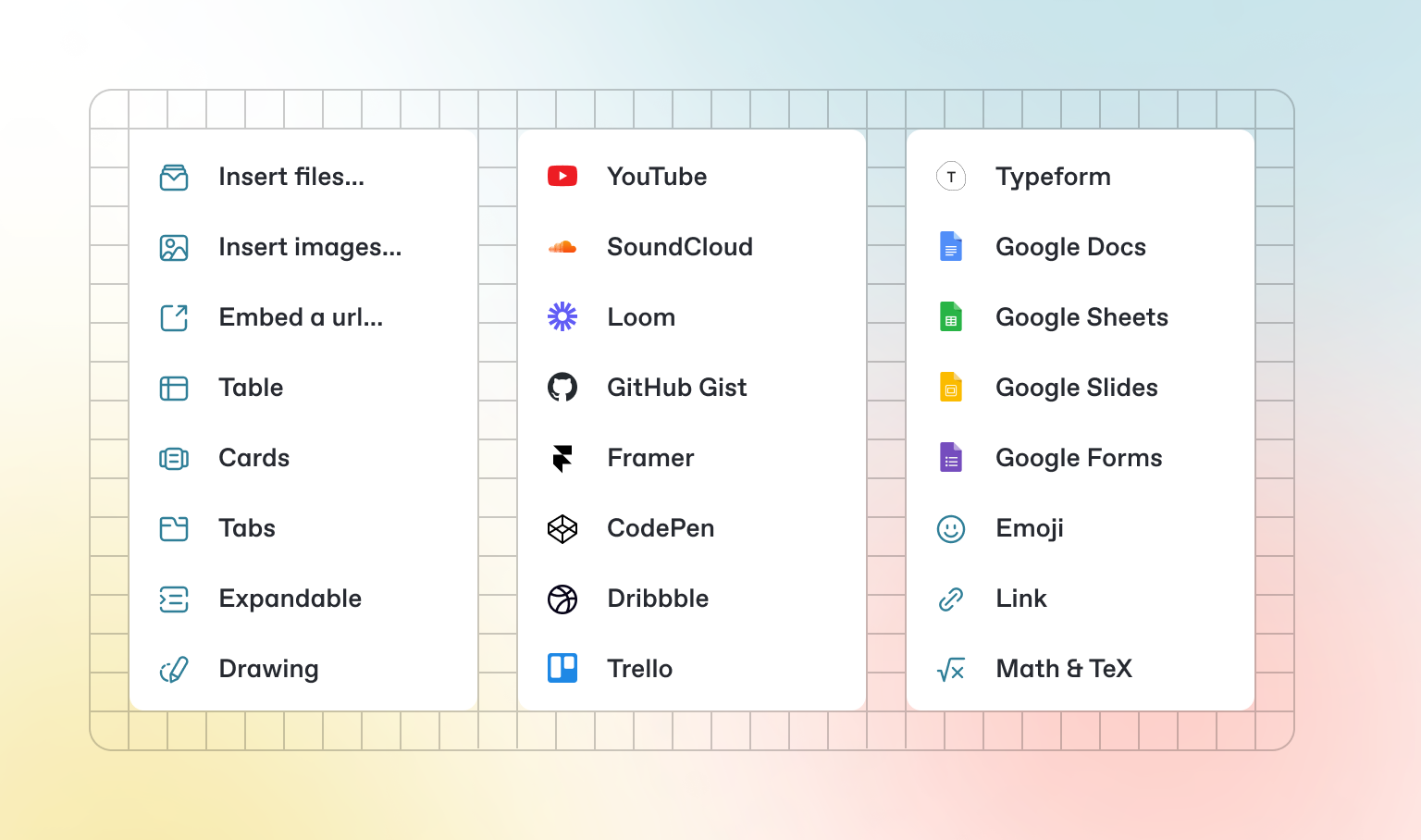
Além do Markdown padrão que você pode escrever, o GitBook possui uma série de blocos interativos prontos para uso. Você pode encontrar blocos interativos pressionando `/` dentro do editor.
### Abas
{% tabs %}
{% tab title="Primeira aba" %}
Cada aba é como uma mini página — ela pode conter vários outros blocos, de qualquer tipo. Assim, você pode adicionar blocos de código, imagens, blocos de integração e mais em abas individuais no mesmo bloco de abas.
{% endtab %}
{% tab title="Segunda aba" %}
Adicione imagens, conteúdo incorporado, blocos de código e mais.
```javascript
const handleFetchEvent = async (request, context) => {
return new Response({message: "Hello World"});
};
```
{% endtab %}
{% endtabs %}
### Seções expansíveis
Clique em mim para expandir
Blocos expansíveis são úteis para condensar o que poderia ser um parágrafo longo. Eles também são ótimos em guias passo a passo e FAQs.
### Conteúdo incorporado
{% embed url="" %}
{% hint style="info" %}
O GitBook suporta milhares de sites incorporados prontos para uso, simplesmente colando seus links. Sinta-se à vontade para verificar quais [são suportados nativamente](https://iframely.com).
{% endhint %}