> For the complete documentation index, see [llms.txt](https://docs.incogniton.com/llms.txt). Markdown versions of documentation pages are available by appending `.md` to page URLs; this page is available as [Markdown](https://docs.incogniton.com/documentation/spanish/conceptos-basicos/interactive-blocks.md).
# Bloques interactivos
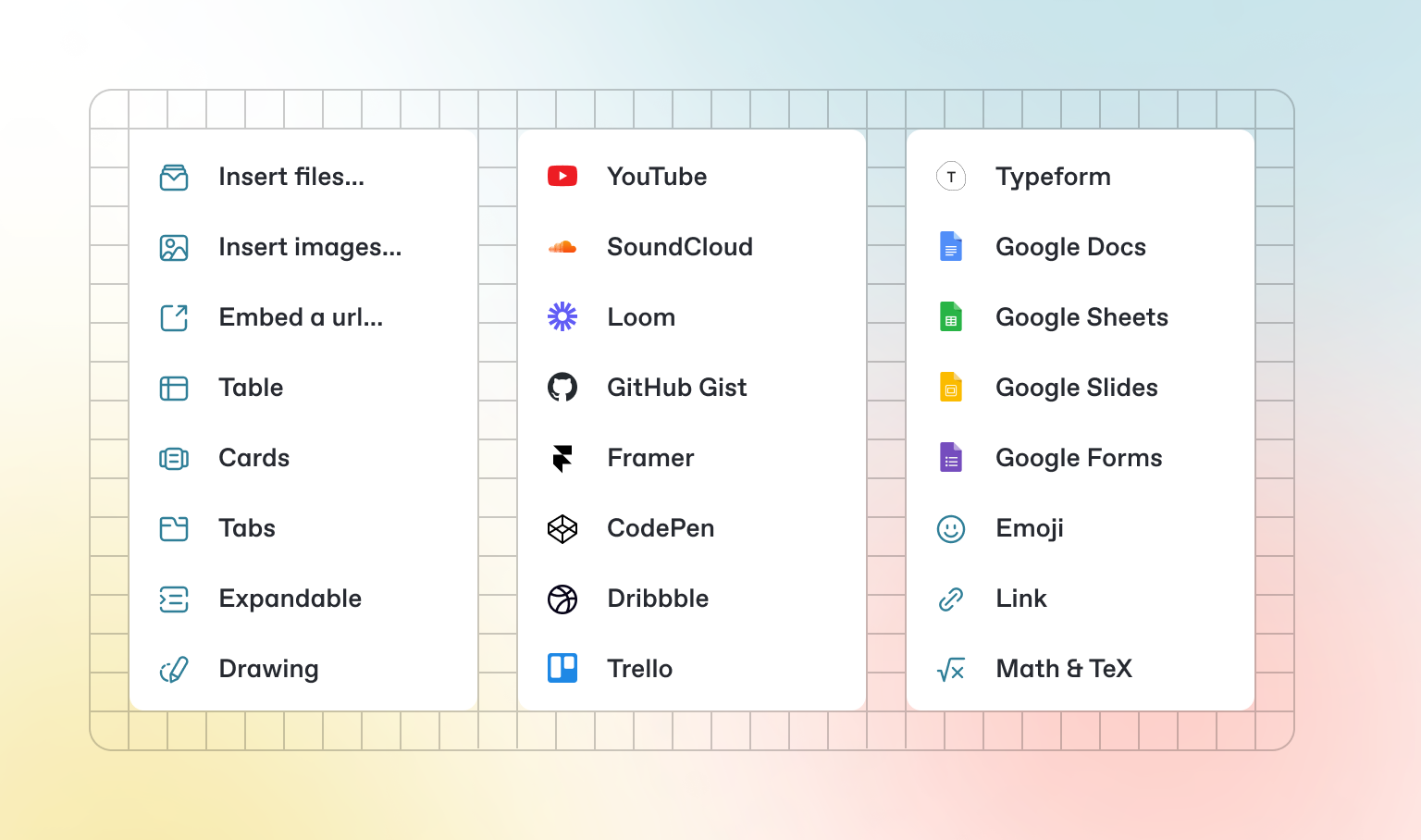
Además del Markdown predeterminado que puedes escribir, GitBook tiene una serie de bloques interactivos listos para usar. Puedes encontrar bloques interactivos presionando `/` desde el editor.
### Pestañas
{% tabs %}
{% tab title="First tab" %}
Cada pestaña es como una mini página: puede contener múltiples otros bloques, de cualquier tipo. Así que puedes agregar bloques de código, imágenes, bloques de integración y más a pestañas individuales en el mismo bloque de pestañas.
{% endtab %}
{% tab title="Second tab" %}
Agrega imágenes, contenido incrustado, bloques de código y más.
```javascript
const handleFetchEvent = async (request, context) => {
return new Response({message: "Hello World"});
};
```
{% endtab %}
{% endtabs %}
### Secciones expandibles
Haz clic para expandir
Los bloques expandibles son útiles para condensar lo que de otro modo podría ser un párrafo extenso. También son excelentes en guías paso a paso y preguntas frecuentes.
### Contenido incrustado
{% embed url="" %}
{% hint style="info" %}
GitBook admite miles de sitios web incrustados de forma predeterminada, simplemente pegando sus enlaces. No dudes en comprobar cuáles[ son compatibles de forma nativa](https://iframely.com).
{% endhint %}