> For the complete documentation index, see [llms.txt](https://docs.incogniton.com/llms.txt). Markdown versions of documentation pages are available by appending `.md` to page URLs; this page is available as [Markdown](https://docs.incogniton.com/documentation/german-documentation-1/grundlagen/interactive-blocks.md).
# Interaktive Blöcke
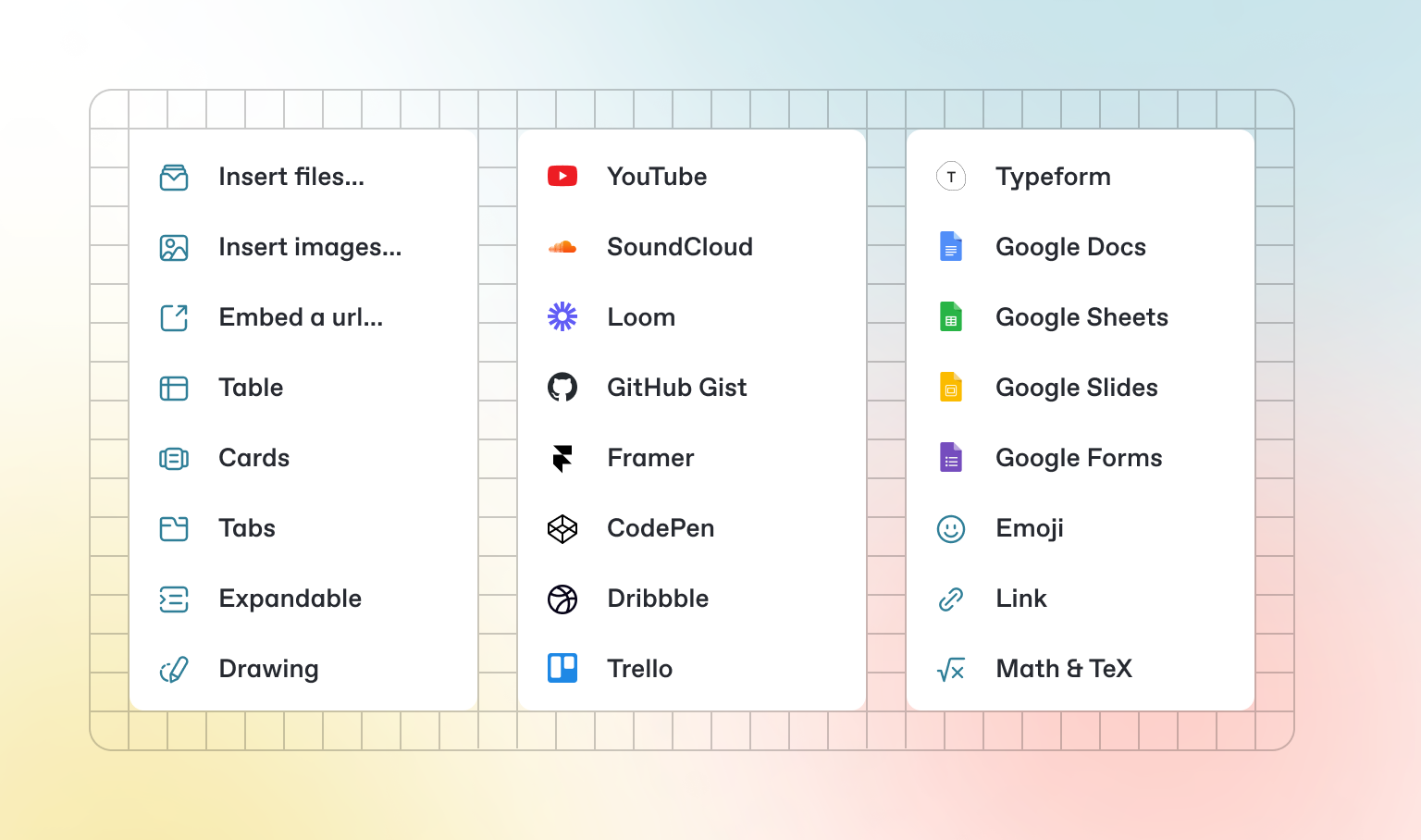
Zusätzlich zu dem Standard-Markdown, das Sie schreiben können, bietet GitBook eine Reihe von interaktiven Blöcken, die Sie verwenden können. Sie finden interaktive Blöcke, indem Sie im Editor `/` drücken.
### Tabs
{% tabs %}
{% tab title="Erster Tab" %}
Jeder Tab ist wie eine Mini-Seite — er kann mehrere andere Blöcke jeglichen Typs enthalten. So können Sie Codeblöcke, Bilder, Integrationsblöcke und mehr zu einzelnen Tabs im selben Tab-Block hinzufügen.
{% endtab %}
{% tab title="Zweiter Tab" %}
Fügen Sie Bilder, eingebettete Inhalte, Codeblöcke und mehr hinzu.
```javascript
const handleFetchEvent = async (request, context) => {
return new Response({message: "Hello World"});
};
```
{% endtab %}
{% endtabs %}
### Erweiterbare Abschnitte
Klicken Sie mich an, um zu erweitern
Erweiterbare Blöcke sind hilfreich, um einen ansonsten langen Absatz zu verkürzen. Sie eignen sich auch hervorragend für Schritt-für-Schritt-Anleitungen und FAQs.
### Eingebettete Inhalte
{% embed url="" %}
{% hint style="info" %}
GitBook unterstützt tausende von eingebetteten Websites direkt, indem Sie einfach deren Links einfügen. Fühlen Sie sich frei zu überprüfen, welche [nativ unterstützt werden](https://iframely.com).
{% endhint %}
---
# Agent Instructions
This documentation is published with GitBook. GitBook is the documentation platform designed so that both humans and AI agents can read, navigate, and reason over technical content effectively. Learn more at gitbook.com.
## Querying This Documentation
If you need additional information that is not directly available in this page, you can query the documentation dynamically by asking a question.
Perform an HTTP GET request on the current page URL with the `ask` query parameter, and the optional `goal` query parameter:
```
GET https://docs.incogniton.com/documentation/german-documentation-1/grundlagen/interactive-blocks.md?ask=&goal=
```
`ask` is the immediate question: it should be specific, self-contained, and written in natural language.
`goal` is optional and describes the broader end goal you are ultimately trying to accomplish on behalf of the user. GitBook uses it to tailor the answer towards what is most useful for that goal.
The response will contain a direct answer to the question and relevant excerpts and sources from the documentation.
Use this mechanism when the answer is not explicitly present in the current page, you need clarification or additional context, or you want to retrieve related documentation sections.