> For the complete documentation index, see [llms.txt](https://docs.incogniton.com/llms.txt). Markdown versions of documentation pages are available by appending `.md` to page URLs; this page is available as [Markdown](https://docs.incogniton.com/documentation/italian-documentation/nozioni-di-base/images-and-media.md).
# Immagini & media
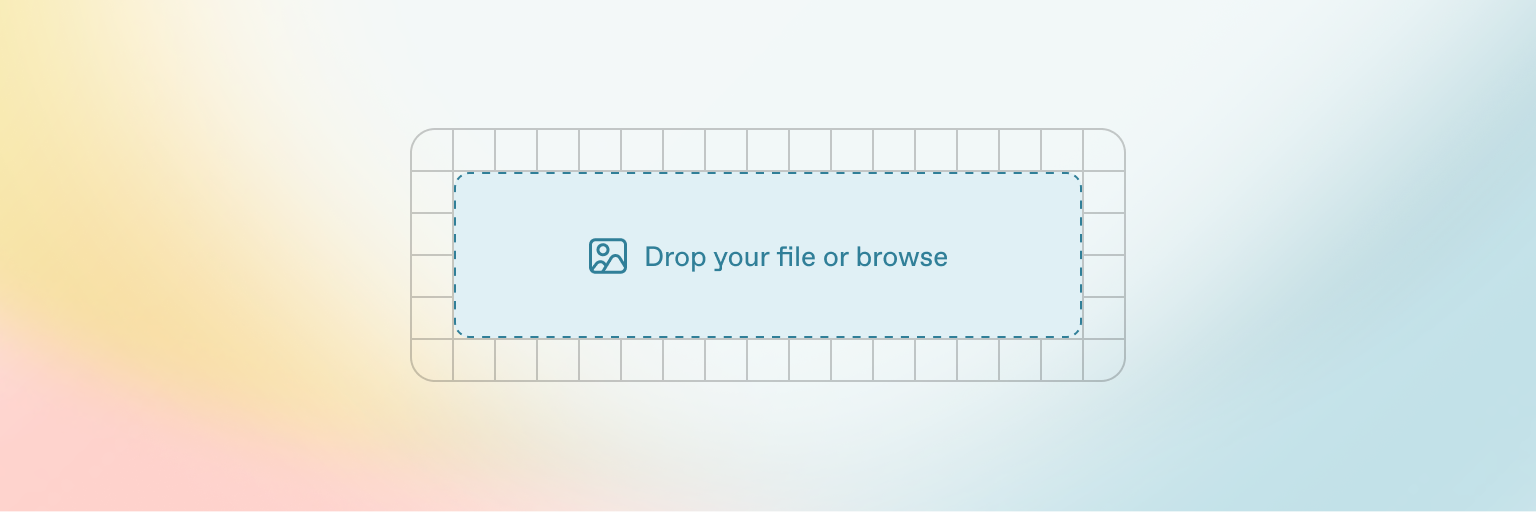
GitBook ti consente di aggiungere immagini e media facilmente ai tuoi documenti. Basta trascinare un file nell'editor o utilizzare il gestore file nell'angolo in alto a destra per caricare più immagini contemporaneamente.
Aggiungi testo alternativo e didascalie alle tue immagini
{% hint style="info" %}
Puoi anche aggiungere immagini semplicemente copiandole e incollandole direttamente nell'editor — e GitBook le aggiungerà automaticamente al tuo gestore file.
{% endhint %}
---
# Agent Instructions
This documentation is published with GitBook. GitBook is the documentation platform designed so that both humans and AI agents can read, navigate, and reason over technical content effectively. Learn more at gitbook.com.
## Querying This Documentation
If you need additional information that is not directly available in this page, you can query the documentation dynamically by asking a question.
Perform an HTTP GET request on the current page URL with the `ask` query parameter:
```
GET https://docs.incogniton.com/documentation/italian-documentation/nozioni-di-base/images-and-media.md?ask=
```
The question should be specific, self-contained, and written in natural language.
The response will contain a direct answer to the question and relevant excerpts and sources from the documentation.
Use this mechanism when the answer is not explicitly present in the current page, you need clarification or additional context, or you want to retrieve related documentation sections.