> For the complete documentation index, see [llms.txt](https://docs.incogniton.com/llms.txt). Markdown versions of documentation pages are available by appending `.md` to page URLs; this page is available as [Markdown](https://docs.incogniton.com/documentation/italian-documentation/nozioni-di-base/interactive-blocks.md).
# Blocchi interattivi
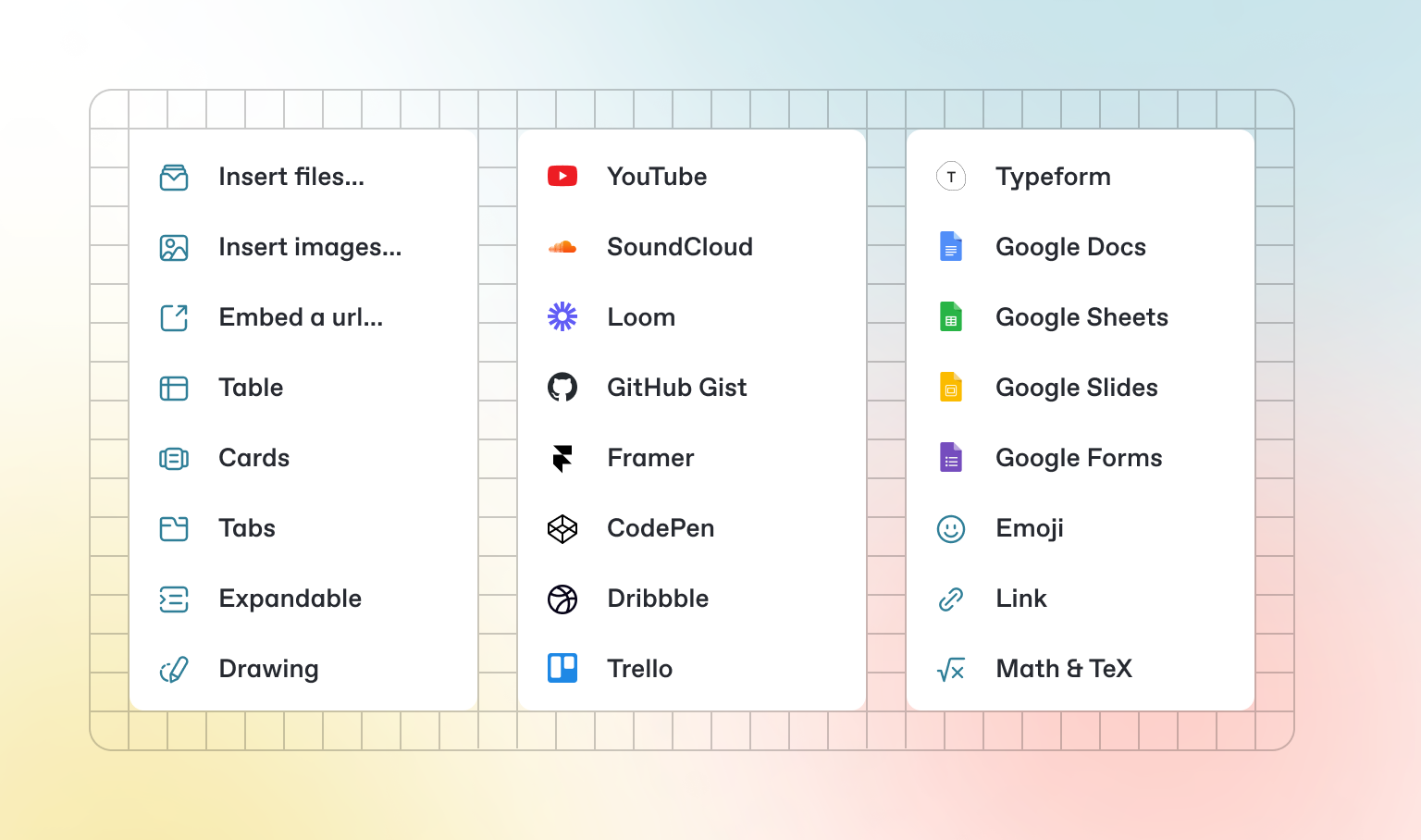
Oltre al Markdown predefinito che puoi scrivere, GitBook offre una serie di blocchi interattivi pronti all'uso. Puoi trovare i blocchi interattivi premendo `/` all'interno dell'editor.
### Schede
{% tabs %}
{% tab title="Prima scheda" %}
Ogni scheda è come una mini pagina — può contenere molti altri blocchi, di qualsiasi tipo. Quindi puoi aggiungere blocchi di codice, immagini, blocchi di integrazione e altro ancora a singole schede nello stesso blocco di schede.
{% endtab %}
{% tab title="Seconda scheda" %}
Aggiungi immagini, contenuti incorporati, blocchi di codice e altro.
```javascript
const handleFetchEvent = async (request, context) => {
return new Response({message: "Hello World"});
};
```
{% endtab %}
{% endtabs %}
### Sezioni espandibili
Clicca per espandere
I blocchi espandibili sono utili per condensare ciò che altrimenti potrebbe essere un paragrafo lungo. Sono anche ottimi nelle guide passo-passo e nelle FAQ.
### Contenuti incorporati
{% embed url="" %}
{% hint style="info" %}
GitBook supporta migliaia di siti web incorporati pronti all'uso, semplicemente incollando i loro link. Sentiti libero di controllare quali[ sono supportati nativamente](https://iframely.com).
{% endhint %}
---
# Agent Instructions
This documentation is published with GitBook. GitBook is the documentation platform designed so that both humans and AI agents can read, navigate, and reason over technical content effectively. Learn more at gitbook.com.
## Querying This Documentation
If you need additional information that is not directly available in this page, you can query the documentation dynamically by asking a question.
Perform an HTTP GET request on the current page URL with the `ask` query parameter:
```
GET https://docs.incogniton.com/documentation/italian-documentation/nozioni-di-base/interactive-blocks.md?ask=
```
The question should be specific, self-contained, and written in natural language.
The response will contain a direct answer to the question and relevant excerpts and sources from the documentation.
Use this mechanism when the answer is not explicitly present in the current page, you need clarification or additional context, or you want to retrieve related documentation sections.