> For the complete documentation index, see [llms.txt](https://docs.incogniton.com/llms.txt). Markdown versions of documentation pages are available by appending `.md` to page URLs; this page is available as [Markdown](https://docs.incogniton.com/documentation/pt-br-documentation/nocoes-basicas/interactive-blocks.md).
# Blocos interativos
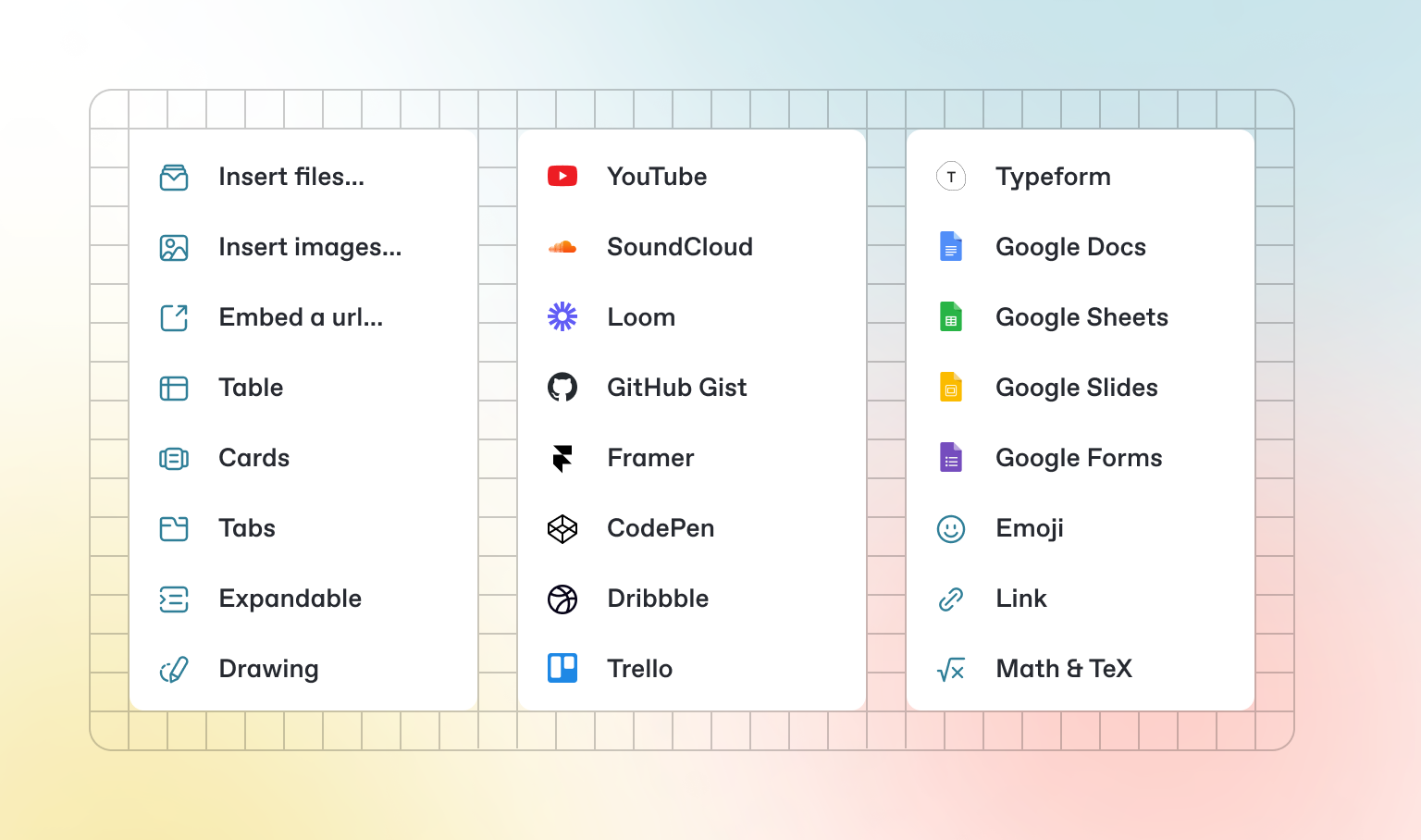
Além do Markdown padrão que você pode escrever, o GitBook possui uma série de blocos interativos prontos para uso. Você pode encontrar blocos interativos pressionando `/` dentro do editor.
### Abas
{% tabs %}
{% tab title="Primeira aba" %}
Cada aba é como uma mini página — ela pode conter vários outros blocos, de qualquer tipo. Assim, você pode adicionar blocos de código, imagens, blocos de integração e mais em abas individuais no mesmo bloco de abas.
{% endtab %}
{% tab title="Segunda aba" %}
Adicione imagens, conteúdo incorporado, blocos de código e mais.
```javascript
const handleFetchEvent = async (request, context) => {
return new Response({message: "Hello World"});
};
```
{% endtab %}
{% endtabs %}
### Seções expansíveis
Clique em mim para expandir
Blocos expansíveis são úteis para condensar o que poderia ser um parágrafo longo. Eles também são ótimos em guias passo a passo e FAQs.
### Conteúdo incorporado
{% embed url="" %}
{% hint style="info" %}
O GitBook suporta milhares de sites incorporados prontos para uso, simplesmente colando seus links. Sinta-se à vontade para verificar quais [são suportados nativamente](https://iframely.com).
{% endhint %}
---
# Agent Instructions
This documentation is published with GitBook. GitBook is the documentation platform designed so that both humans and AI agents can read, navigate, and reason over technical content effectively. Learn more at gitbook.com.
## Querying This Documentation
If you need additional information that is not directly available in this page, you can query the documentation dynamically by asking a question.
Perform an HTTP GET request on the current page URL with the `ask` query parameter:
```
GET https://docs.incogniton.com/documentation/pt-br-documentation/nocoes-basicas/interactive-blocks.md?ask=
```
The question should be specific, self-contained, and written in natural language.
The response will contain a direct answer to the question and relevant excerpts and sources from the documentation.
Use this mechanism when the answer is not explicitly present in the current page, you need clarification or additional context, or you want to retrieve related documentation sections.